

If you want to upload your ads in bulk, we have introduced a feature that enables you to do this by uploading a template straight to Taboola Ads.
Make sure to review our Advertising Policies and ensure your ads are compliant before adding them to your Taboola campaigns.
Submitting Ads in Bulk
Start by navigating to the Create Ads page in Taboola Ads.
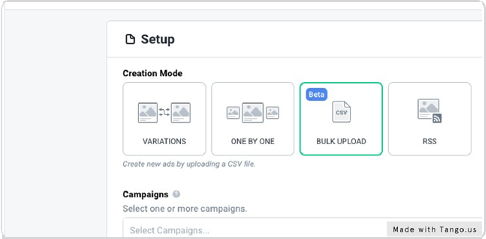
STEP 1
Select "Bulk Upload"
STEP 2
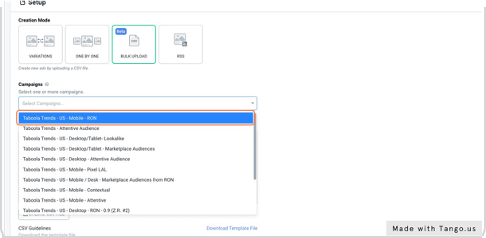
Select your campaign
Select one or multiple campaigns you wish to upload your ads to
STEP 3
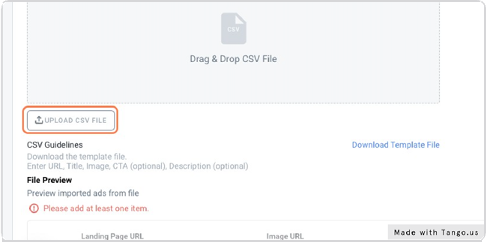
Click on UPLOAD CSV FILE
STEP 4
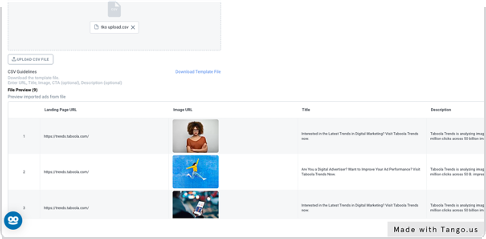
Wait for your Ads, Landing Page URL and Titles to populate
STEP 5
Click on Submit

NOTE! You can also add descriptions and a CTA button to the template, however these are not compulsory in order to upload your ads. You can read more about the benefits of using these features here: